

AI virtual try-on for fashion ecommerce









Key features of the AI virtual try-on


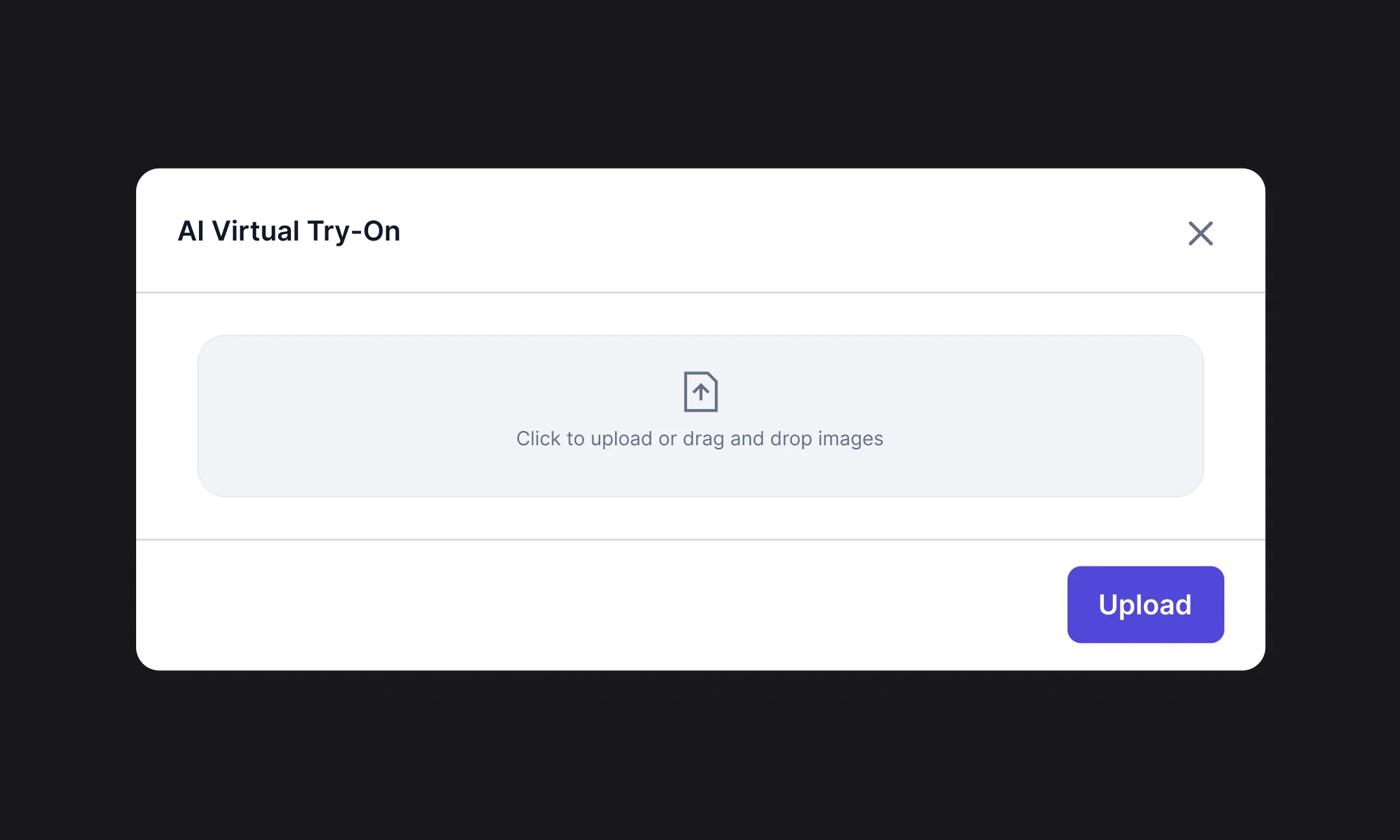
Caricare le immagini
Drag and drop ZIP files of your images, or pull them from the Hypotenuse AI DAM.
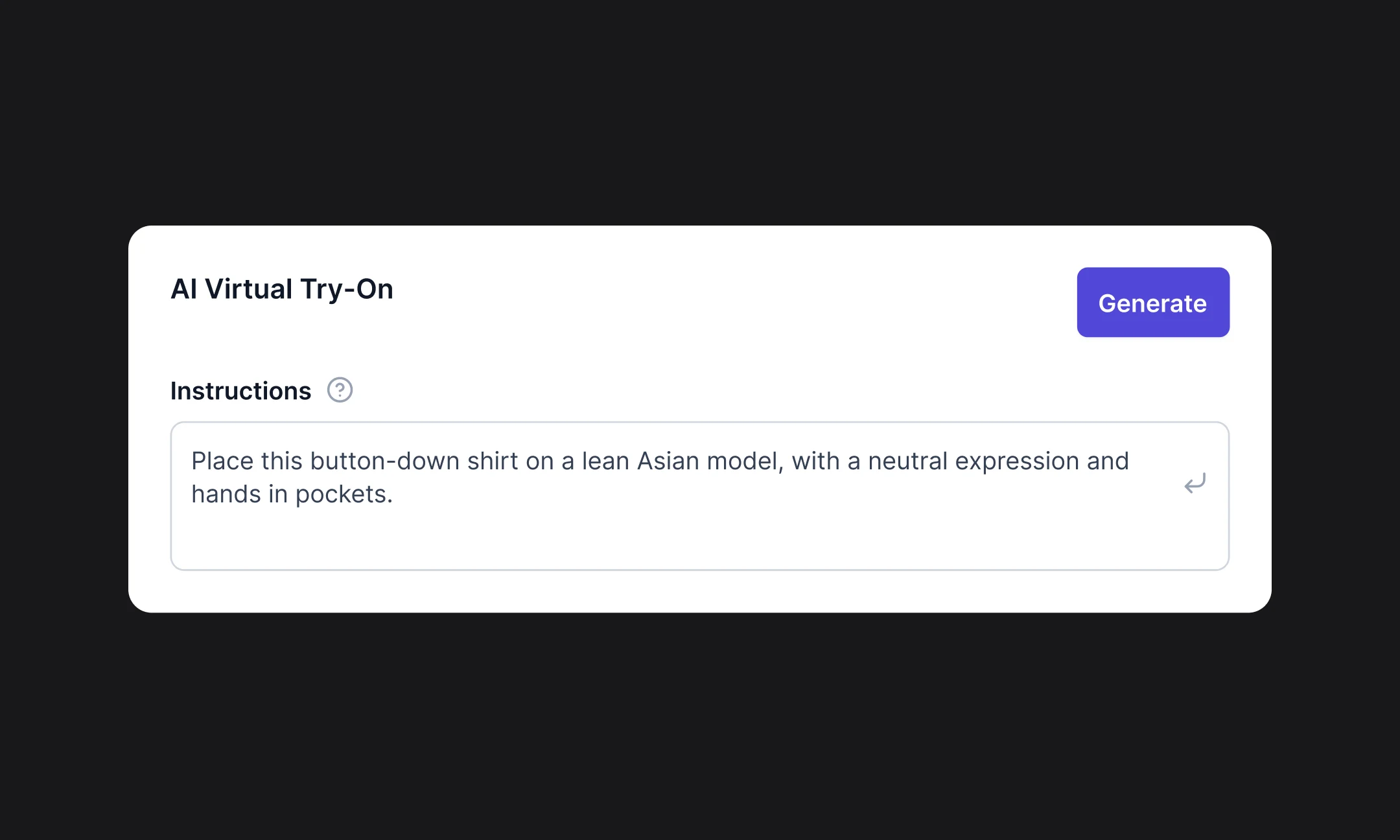
Describe your desired style
Tell our AI the poses, angles, styling and models you want, or simply upload reference images for our AI to recreate.
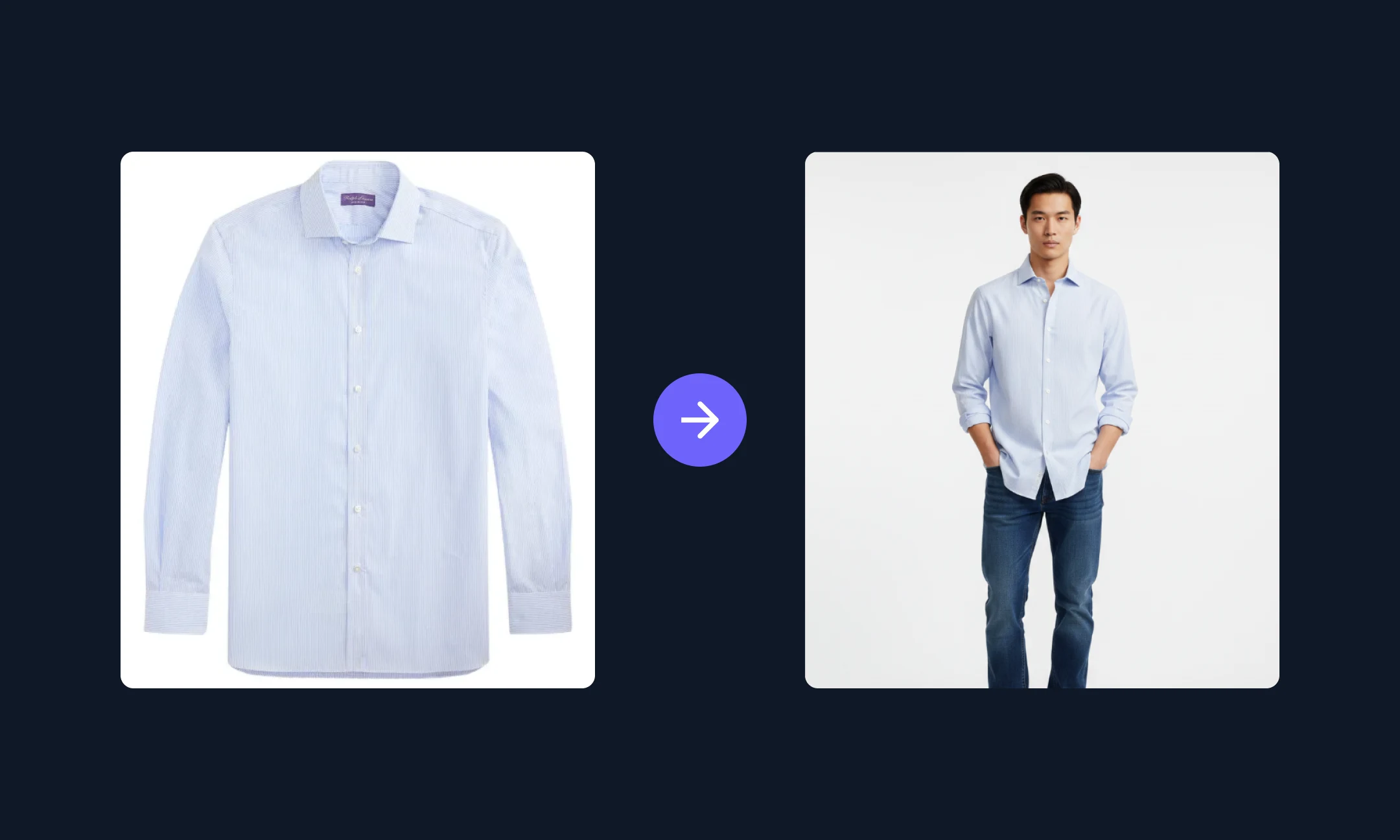
Download or publish to sites
Save your final images or sync them directly to your ecommerce website or marketplaces.
What can you use our AI virtual try-on for?


Domande frequenti
How accurate is Hypotenuse’s AI virtual try-on?

Hypotenuse’s AI virtual try-on generates realistic on-model images. Our AI analyzes product details like material, silhouette, and structure to reflect how products look in terms of drape and shape across different body types.
What kind of products can I generate a try-on for?
The virtual try-on tool supports a wide range of fashion products, from clothing to accessories and footwear. These include tops, bottoms, dresses, outerwear, glasses, hats, bags, shoes, and more.
Can I specify the model type?
Yes. You can define model attributes such as age, body type, and style, or provide a reference image for finer control.
What’s the best way to use Hypotenuse's AI virtual try-on for ecommerce photos?
Use it to create consistent on-model visuals at scale. Hypotenuse AI supports bulk editing, so you can apply the same visual rules across multiple product images at once. For example, you can standardize framing and posing instructions across your catalog, such as cropping T-shirt images to the model’s nose or keeping all models in a standing pose.
How can I make my virtual try-ons look more realistic?
Use high-quality product images that clearly show the garment’s shape, texture, and details, as this gives AI more information about your product.
You can also add specific instructions for fit, pose, or styling, and include reference images. This helps the AI interpret how you want details like placement, drape, and overall styling to look.
Per saperne di più sulle pagine di prodotto e sulla SEO per l'ecommerce
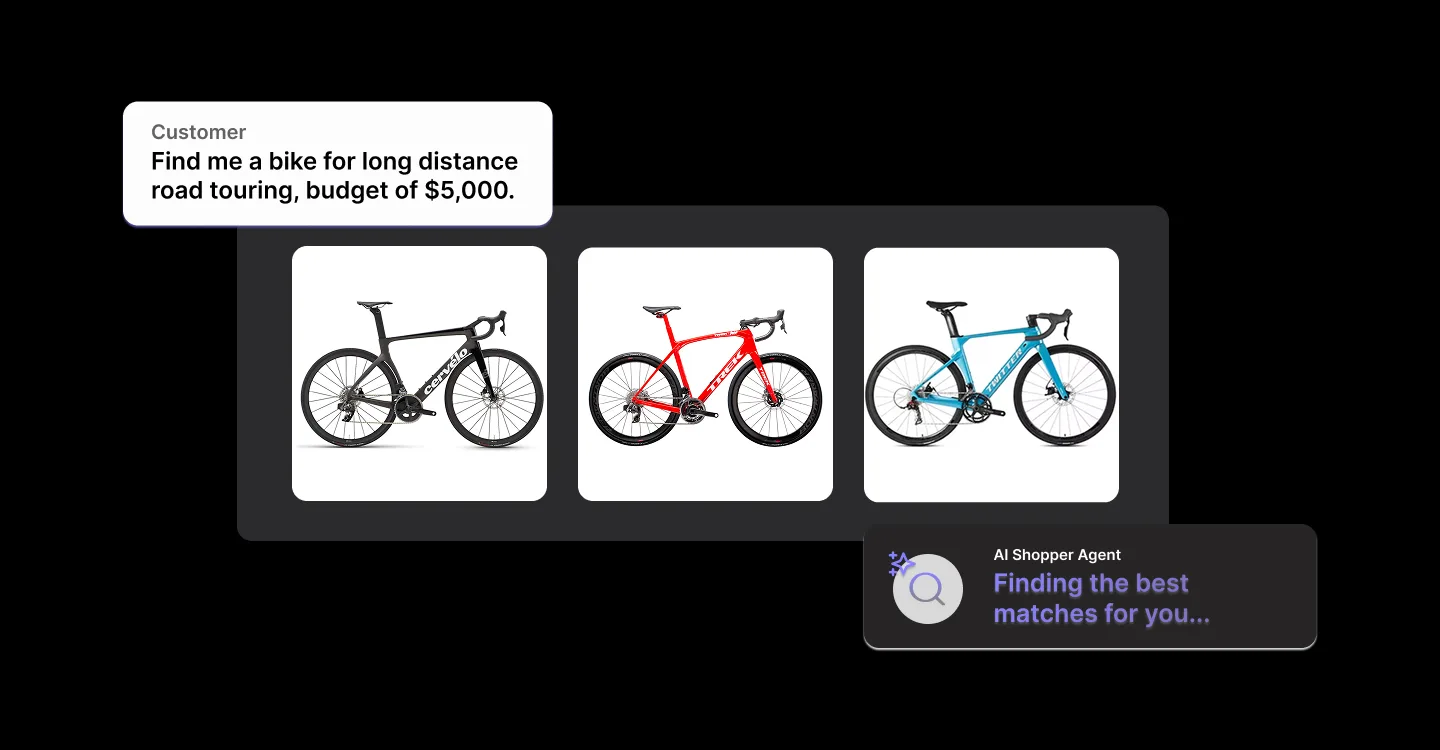

Come ottimizzare le immagini dei prodotti e-commerce per la SEO (e prepararsi al GEO)
Le immagini dei tuoi prodotti sono molto più che semplici elementi visivi. Scopri come renderle facilmente reperibili su Google e nelle ricerche basate sull'intelligenza artificiale grazie a tecniche di ottimizzazione intelligenti, metadati e strumenti basati sull'intelligenza artificiale.


.avif)