

Remove or swap objects with our AI object replacer



.svg)




Key features of our AI object replacer


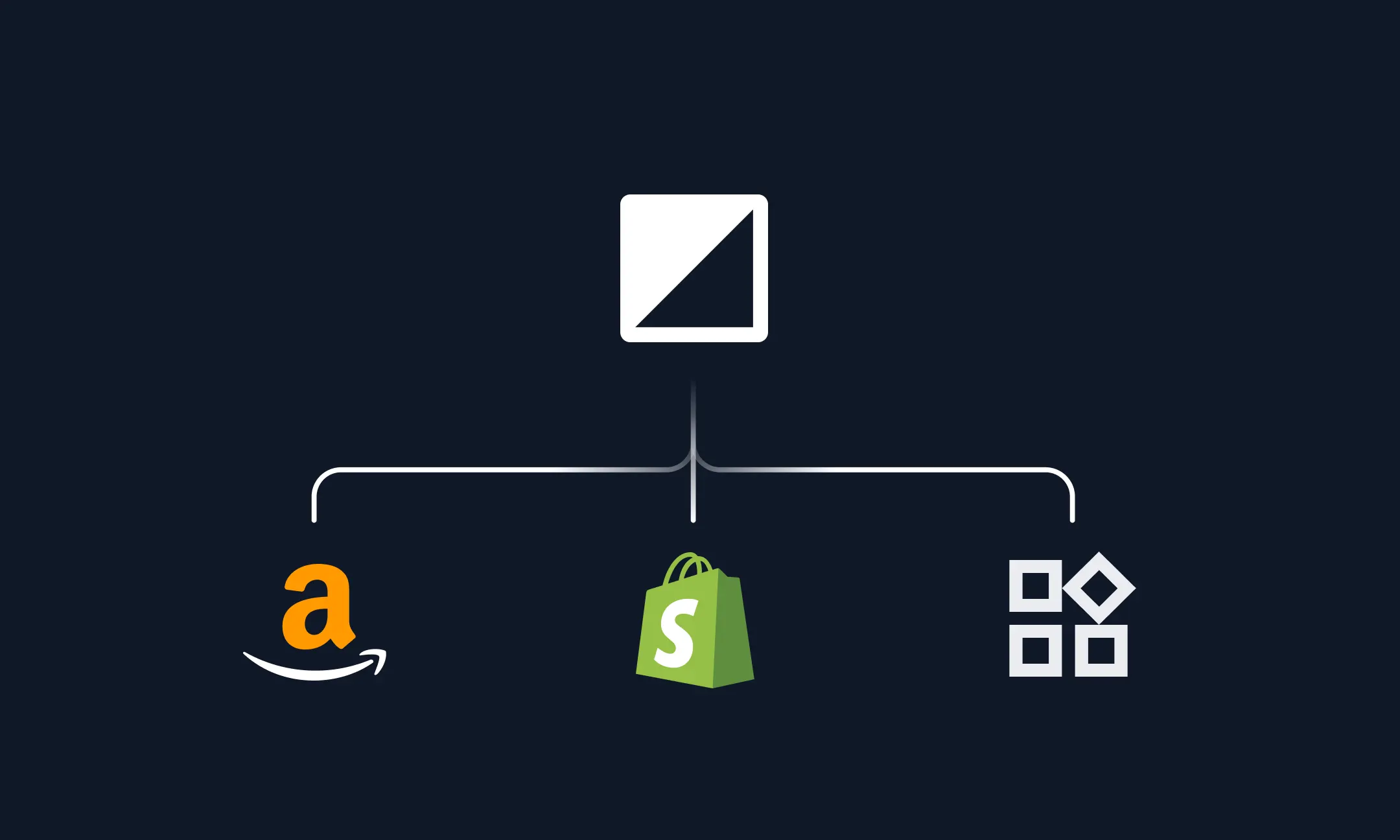
Caricare in batch le immagini dei prodotti
Upload ZIP files of your images, or pull directly from the Hypotenuse AI DAM.
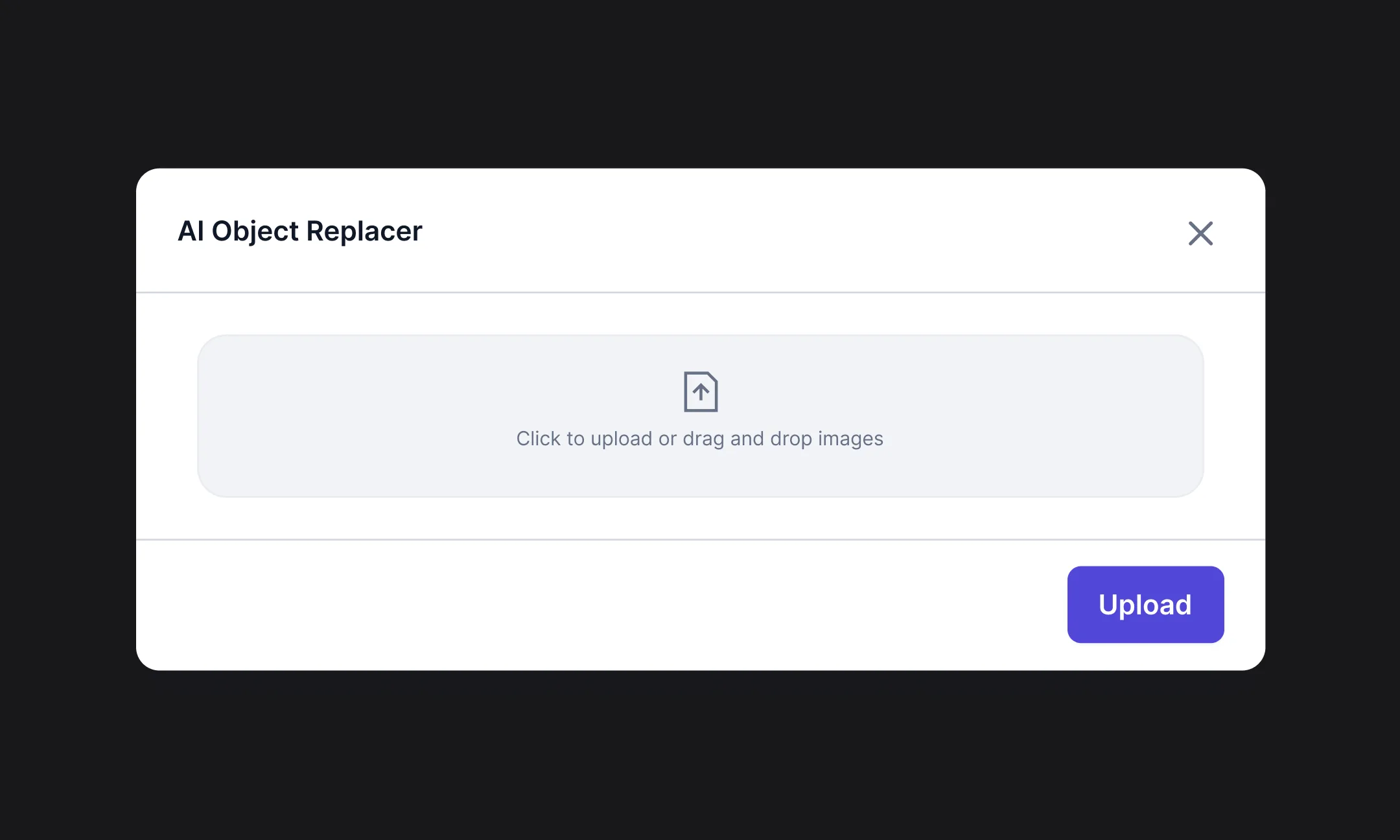
Describe what to change

Export ready-to-use images
What can you use our AI object replacer for?


Domande frequenti
Can I use Hypotenuse’s AI object replacer to replace people, props, or backgrounds?

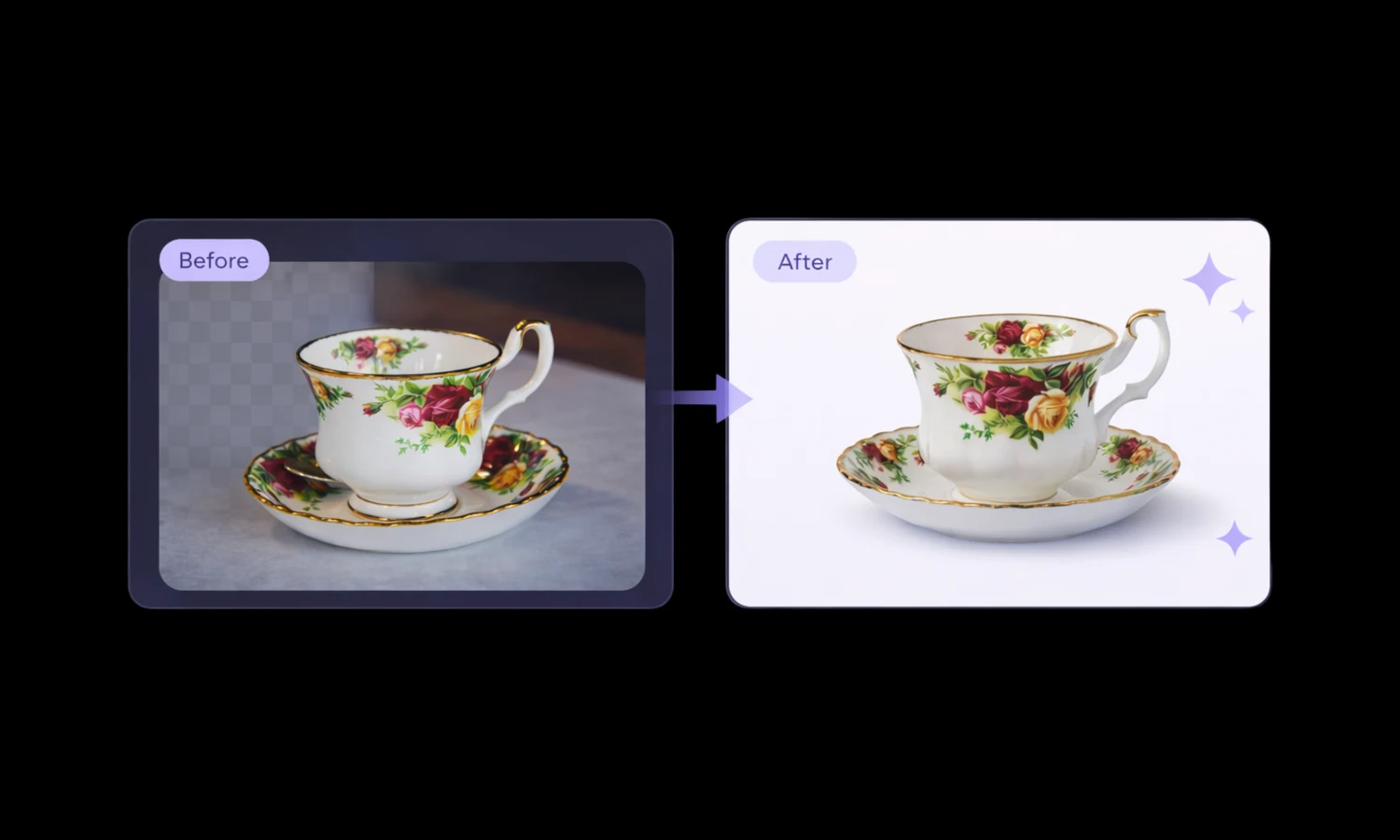
Yes, you can replace people, props, or objects in your images. Describe what to replace and what to replace it with, and the AI will generate a natural-looking result.
Can I add reference images to guide the AI object replacer?
Yes, you can use reference images to guide the output. This helps the AI object replacer better match the style, composition, or specific elements you want in your final image.
Why is Hypotenuse AI object replacer great for ecommerce?
Hypotenuse AI replaces objects with high precision across multiple images at once. It applies backgrounds, props and angles that work best for ecommerce product types, so teams can produce storefront-ready visuals faster.
How long does Hypotenuse’s AI object replacer take?
Single-image edits take seconds. Bulk edits may take anywhere from a few seconds to a few minutes, depending on the number of images you are editing at once.
How does Hypotenuse’s AI object replacer maintain the quality of my images?
Our AI object replacer keeps the original resolution of your image while blending new objects. It can also upscale your images if you need more detail.



.avif)