

Remove shadows from ecommerce product images with Hypotenuse AI









Correct shadows effortlessly, without losing depth or realism


Upload your photos
Drag and drop images or store and manage them all in the Hypotenuse AI DAM.
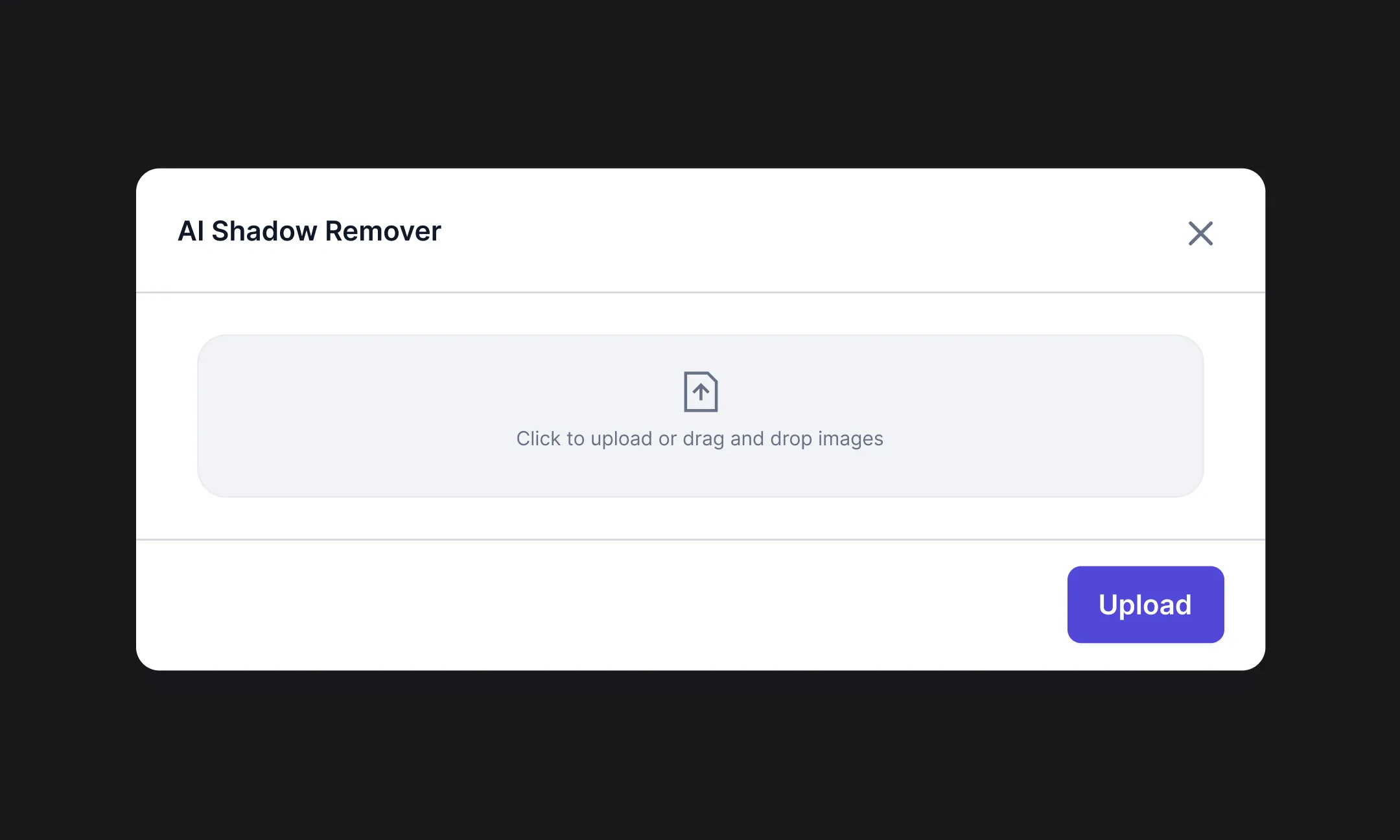
Apply shadow removal
.webp)
Export channel-ready photos
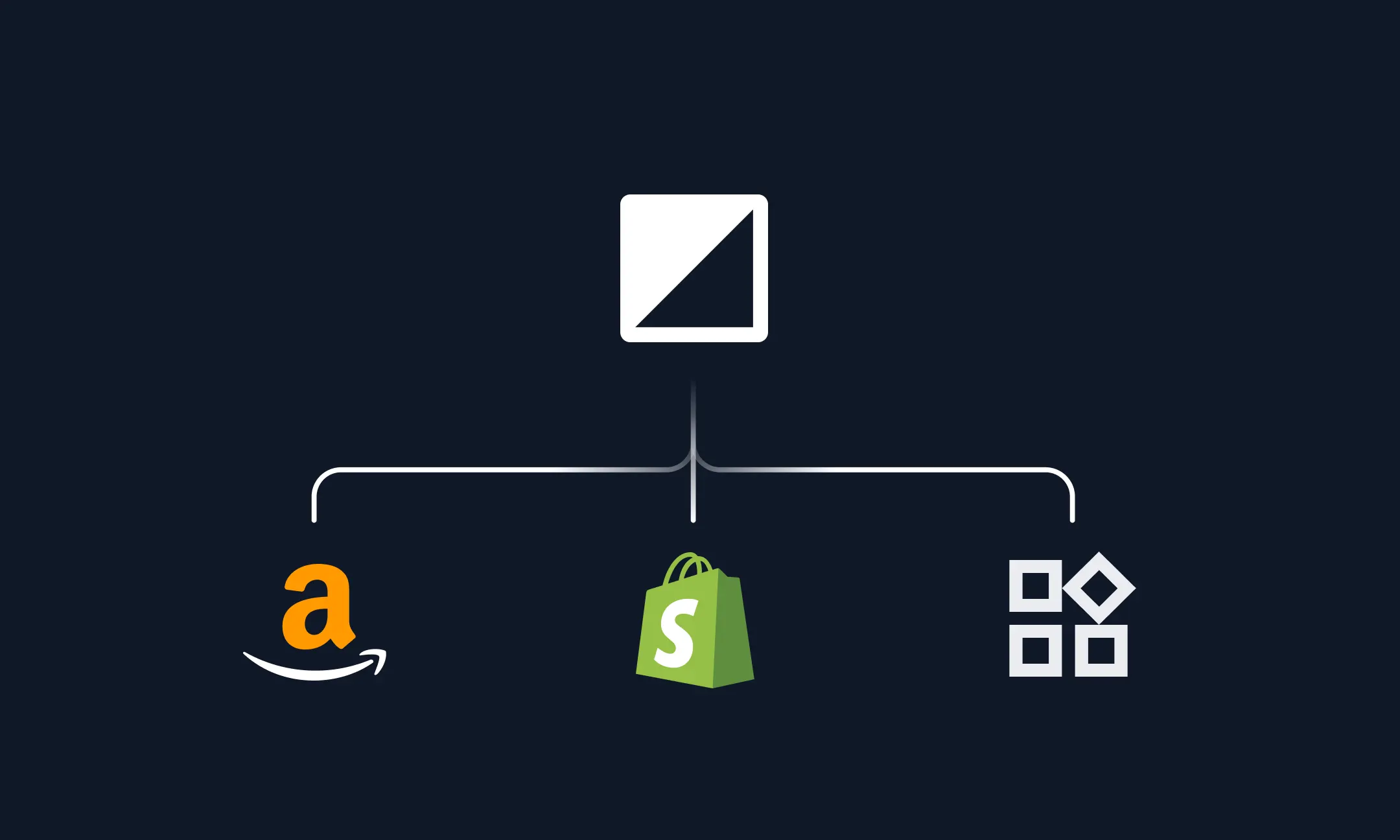
What can you use our AI shadow remover for?


Domande frequenti
What’s the fastest way to remove shadows from product photos?

The fastest way is to use an AI shadow remover online. If you’re editing product photos at scale, Hypotenuse AI supports bulk shadow removal so you can process many catalog images at once while keeping lighting and styling consistent across your catalog.
What type of images can I use for Hypotenuse AI’s shadow removal feature?
Hypotenuse AI supports common image formats including JPEG, PNG, WEBP, and TIFF. For best results, upload high-resolution images where key details, like edges, textures, and labels are clear and in focus.
Will my image look fake after removing the shadows?
Hypotenuse AI removes shadows while preserving natural depth. This is done by adjusting lighting and contours, so products still look realistic, not “cut out” or flat.
Why is Hypotenuse AI good for removing shadows for ecommerce photos?
Hypotenuse AI is trained on ecommerce product imagery, so it understands what makes a good product photo for online selling. It removes harsh or distracting shadows while preserving realistic lighting and sharp product contours, giving you clean and polished images ready for any marketplace or brand website. It also handles shadow removal in bulk, so you can process your entire catalog instead of editing each image manually.


Per saperne di più sulle pagine di prodotto e sulla SEO per l'ecommerce

Come ottimizzare le immagini dei prodotti e-commerce per la SEO (e prepararsi al GEO)
Le immagini dei tuoi prodotti sono molto più che semplici elementi visivi. Scopri come renderle facilmente reperibili su Google e nelle ricerche basate sull'intelligenza artificiale grazie a tecniche di ottimizzazione intelligenti, metadati e strumenti basati sull'intelligenza artificiale.


.avif)